Voice-first expense tracker

Track your spending. Effortlessly.

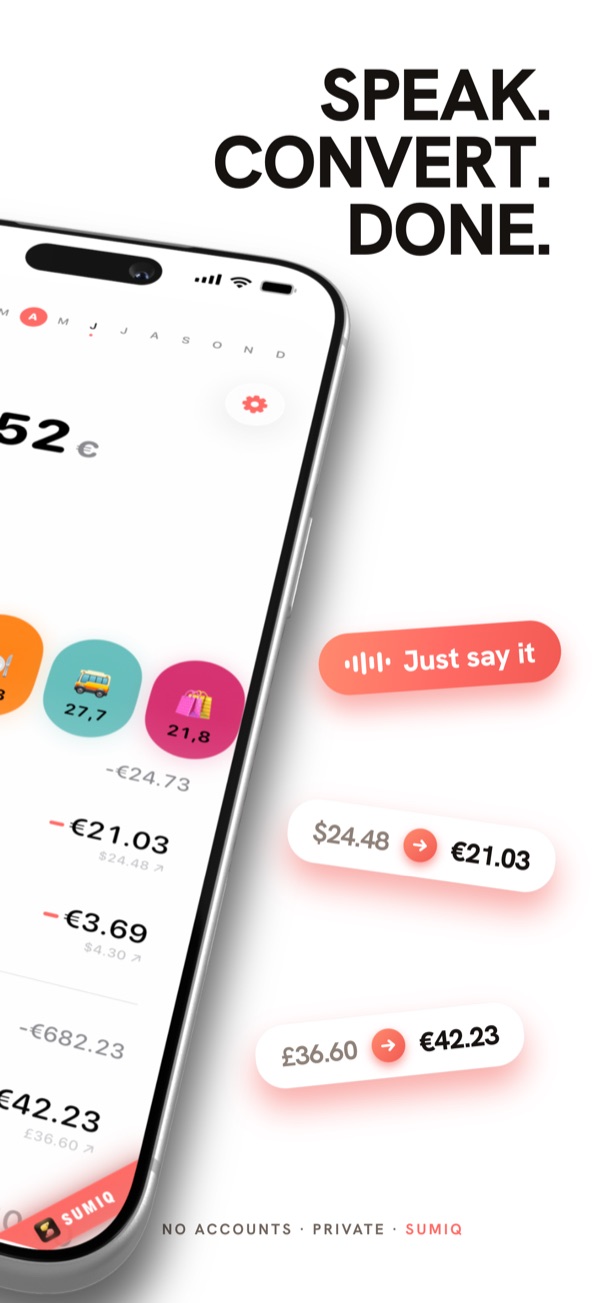
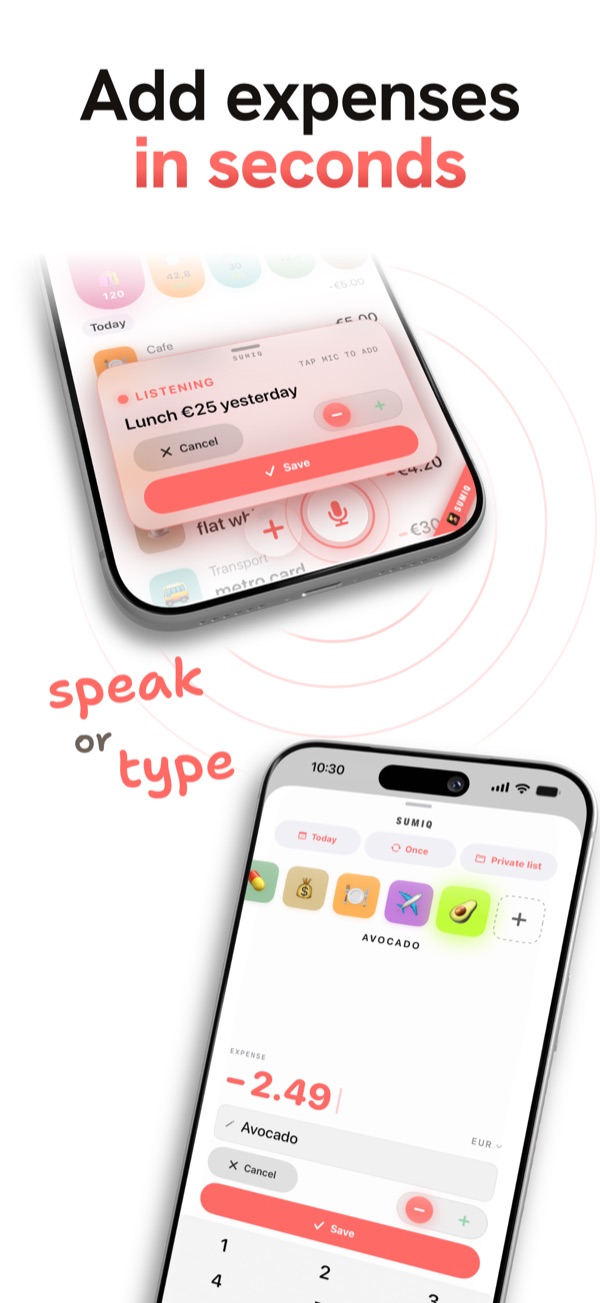
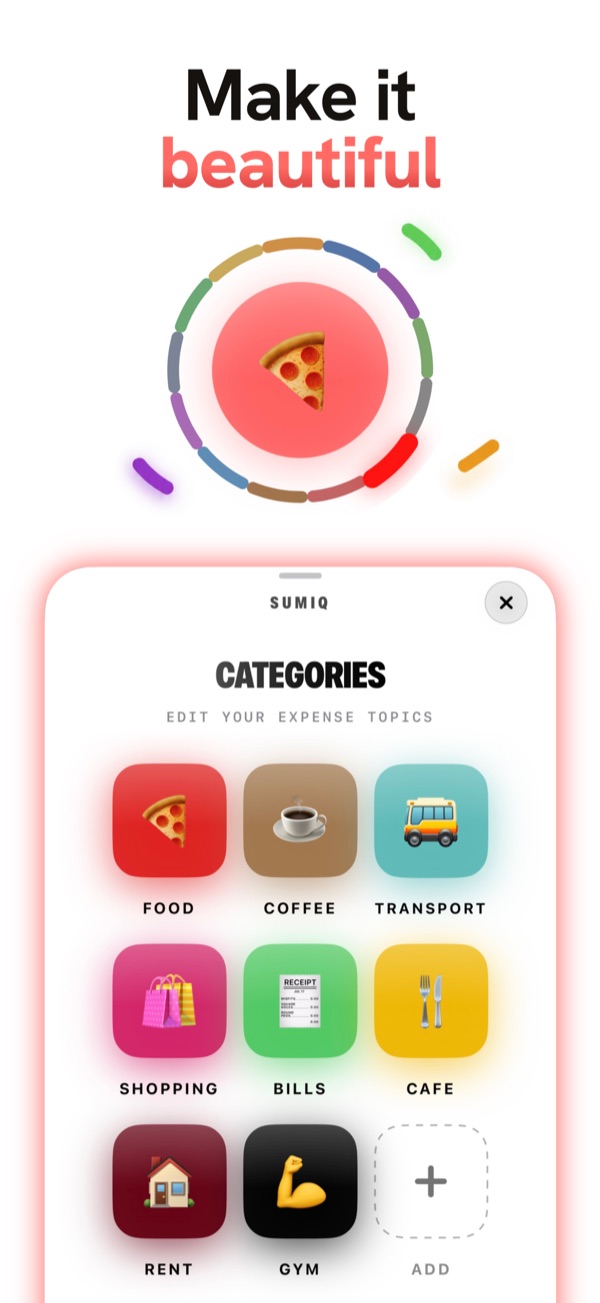
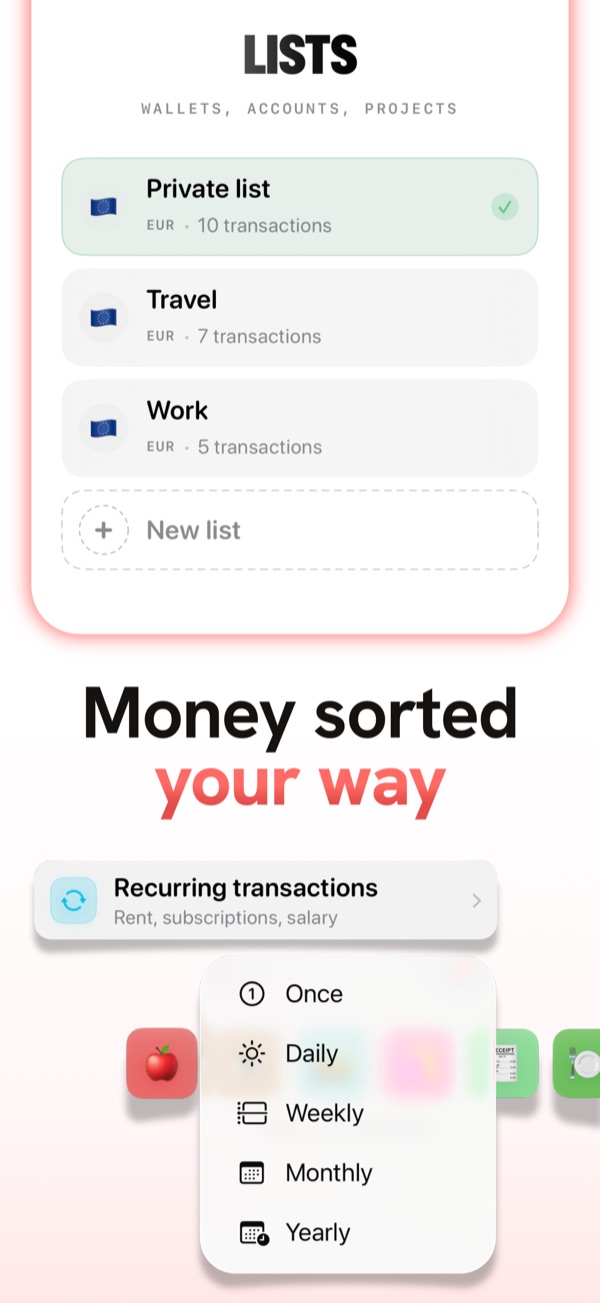
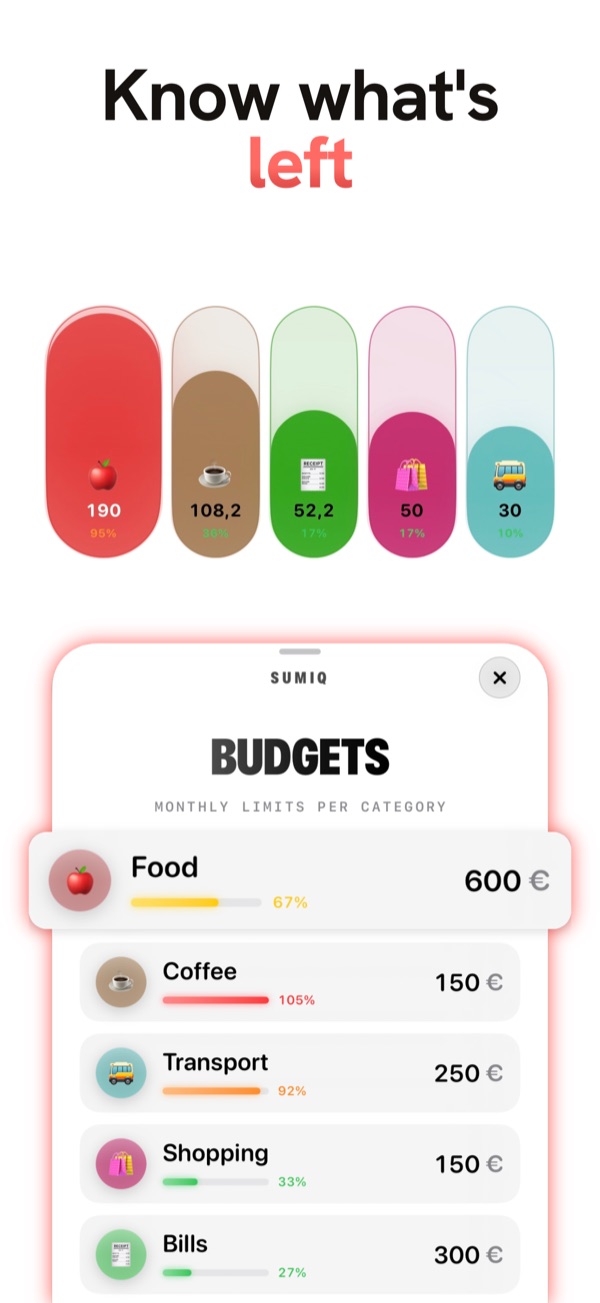
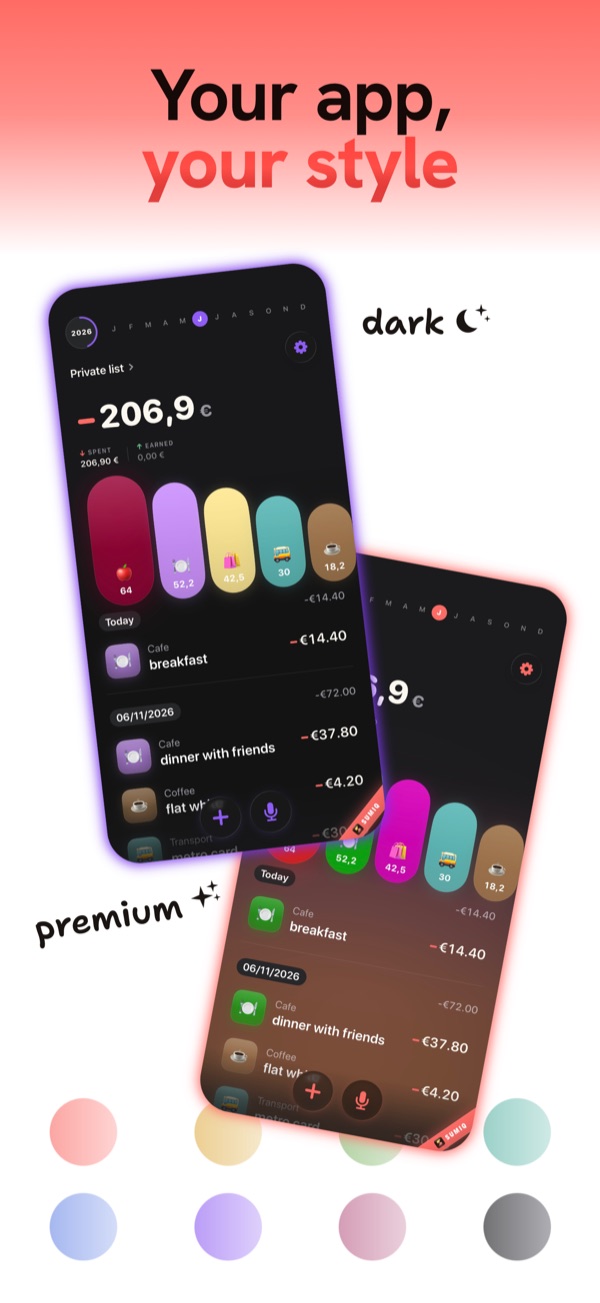
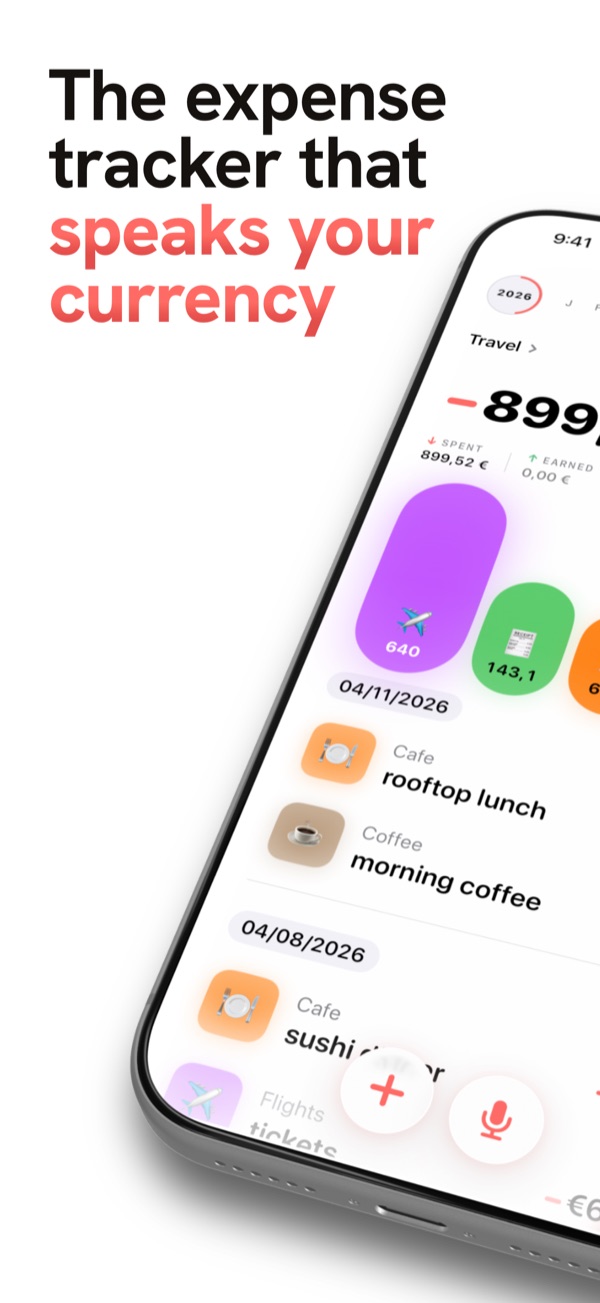
SumiQ dashboard on iPhone - the expense tracker that speaks your currency, with a clear total and colorful category chart. Speak, convert, done - dictated expenses in dollars or pounds are converted to your home currency automatically. Add expenses in seconds - dictate an expense by voice or type it on the keypad in SumiQ. Colorful emoji category tiles - Food, Coffee, Transport, Shopping and more - in SumiQ. Multiple lists and wallets plus recurring transactions in SumiQ. Per-category monthly budgets with live progress in SumiQ. Dark, light and premium themes with accent colors in SumiQ.

Free for 7 days · No accounts · Your data stays on your device · iPhone, iOS 17+

Everything you need

Built for the way you actually spend.

Currency auto-conversion

Add by voice

Smart AI categories

Multiple wallets

Budgets & limits

Recurring transactions

Custom categories

Home screen widget

Privacy-first, by design

Your money is your business. Literally.

No accounts · No trackers · No ads · everything stays on your device

Good to know

Frequently asked

Is SumiQ free?
Free for 7 days, then €2.99 / month or €24.99 / year. Cancel anytime.
Is my data private?
Yes. No accounts, no analytics. Nothing leaves your device.
How does voice entry work?
Tap the mic, say what you spent. On-device AI sorts the rest.
How does multi-currency work?
Speak any of 27 currencies; each converts into one true total.
Which devices & languages?
iPhone, iOS 17 and later. Interface in 11 languages.
Get SumiQ

Money tracking that gets out of your way.

Free for 7 days. No accounts, no friction.
Download on theApp Store